A Claude Cowork alternative that runs on your own server
Since October 6, new Claude Cowork tasks on Pro and Max run on Anthropic's servers. OpenTeam is a self-hosted Claude Cowork alternative. Where each wins.
On this page
OpenTeam is a Claude Cowork alternative that runs self-hosted AI agents on a machine you control, so their computers, files and sign-ins stay with you. It's open source (GPL-3.0) and uses Claude via an Anthropic API key, another provider or a local model. Cowork is easier and more polished; stay with it for zero setup or a Windows app.
We build OpenTeam, so weigh our view accordingly. Every claim about Cowork below links to Anthropic's own pages, checked in October 2026. We haven't benchmarked the two products against each other.
What Claude Cowork is, as of October 2026
Claude Cowork is Anthropic's agent for knowledge work. You describe an outcome, and Claude plans the steps, works across your files, connectors and browser, and hands back documents, spreadsheets and decks (Anthropic). It launched as a research preview on January 12, 2026, running "locally on your computer in an isolated VM." It reached general availability on macOS and Windows on April 9 and came to web and mobile on July 7 (release notes). On September 16, Anthropic announced that "Claude Cowork and chat are merging into one Claude," with Cowork's abilities available from any conversation (Anthropic). People still search for it as Cowork, so that's the name we use here.
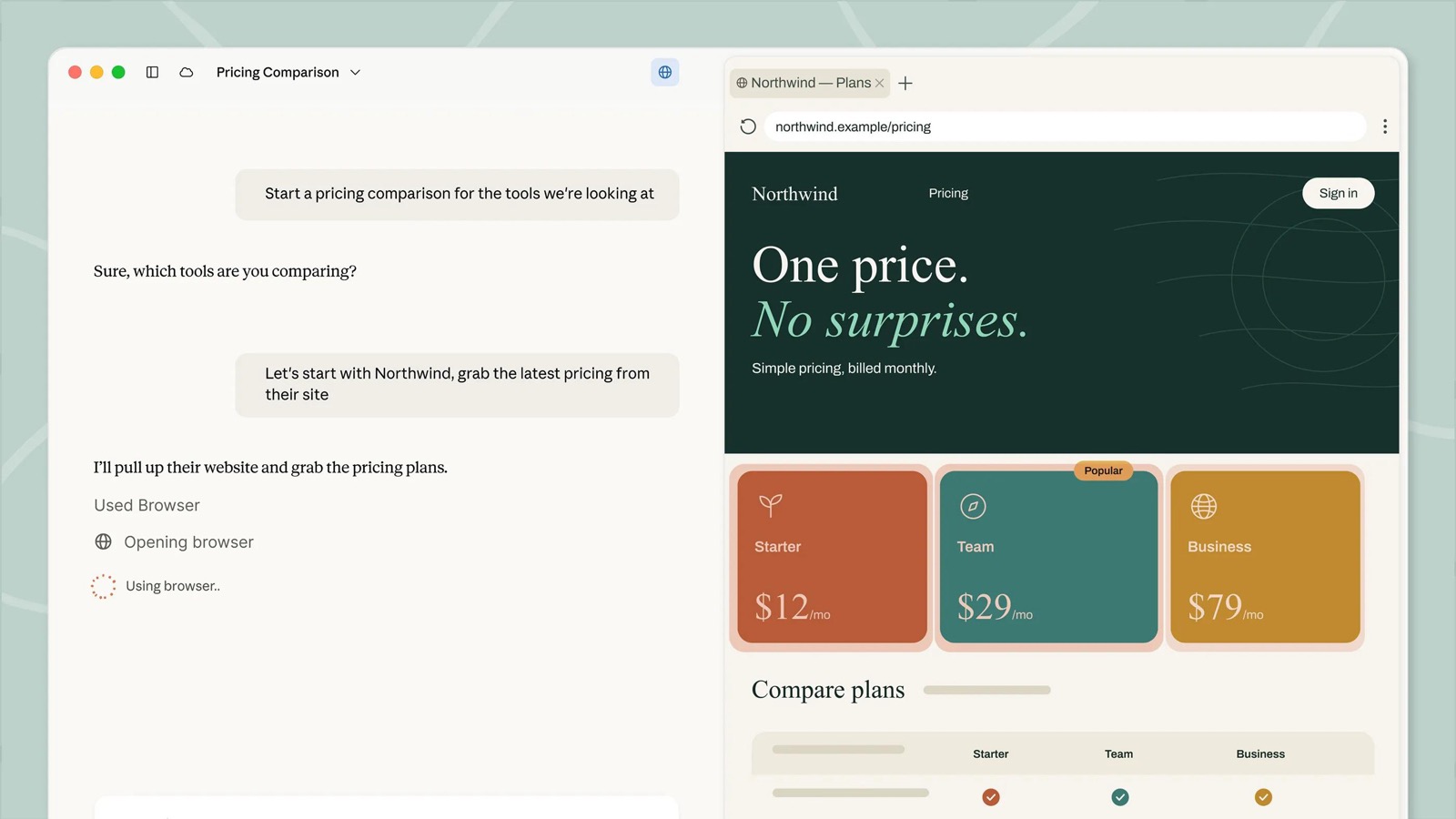
On October 6, that changed for individual plans. Anthropic's help center says: "On October 6, 2026, new Cowork tasks on Pro and Max plans run in the cloud. The Only on your computer option in Settings > General was removed." It adds that "you can't switch back" (Anthropic). Tasks started on your computer before that date stay there until they finish.
Cowork can still reach folders you connect through the desktop app. When a cloud task needs one of those files, Claude fetches a copy. Anthropic's architecture page spells out the result: the agent's work, "including any local files it opens through the desktop app, is processed on Anthropic's servers rather than staying on the device" (Anthropic). Team and Enterprise admins can still turn cloud sessions off and keep local desktop Cowork.
Cowork needs a paid plan. Pro is $20 a month, or $17 billed annually; Max is $100 or $200; Team seats start at $20 a month billed annually (Anthropic).
Claude Cowork vs OpenTeam
Cowork facts are from Anthropic's help center, pricing and product pages. OpenTeam facts are from its v0.0.0 release and docs.
| Claude Cowork | OpenTeam | |
|---|---|---|
| Price | Pro $20/mo, Max $100 or $200/mo, Team from $20/seat | Free; you pay for your machine and model provider |
| License | Proprietary | GPL-3.0 |
| Where the agent runs | Anthropic's servers (new Pro and Max tasks) | Your computer, home server or cloud VM, in Docker |
| Computer per agent | A temporary sandbox per session, deleted when it ends | A persistent Linux desktop per bot, with Chromium and a terminal |
| Models | Claude | One model for all bots: Anthropic, OpenAI, OpenRouter or any compatible endpoint, local included |
| Multi-agent | Subagents inside a task | Group chats of up to six bots, bot-to-bot messages, subagents |
| People per install | One per account; Team plans have 2 to 150 seats | One account per server |
| Approvals | Asks before acting by default; Auto mode adds safety checks | None; bots act directly |
| Scheduled work | Runs in the cloud with no device online | Runs on your server while it's on |
| Apps | macOS, Windows, Linux (beta), web, iOS, Android | macOS (Apple silicon), Linux x64, iPhone (TestFlight beta) |
| Data location | Your Claude account; file copies on Anthropic's servers | Your server; the model provider sees what each task sends |
| Office output | Excel with formulas, PowerPoint, formatted documents | LibreOffice on each bot's desktop |
Why people look for a Claude Cowork alternative
1. Pro and Max tasks now run on Anthropic's servers
Some people want the agent loop and their files on hardware they control, whether for client work, compliance or preference. Anthropic's help center is plain about the new default: "There's no setting to choose where a task runs on Pro and Max plans." Whether those conversations are used to improve Claude follows your "Help improve our AI models" setting (Anthropic).
To be fair to Anthropic, the cloud setup is careful. Each session gets its own sandbox, egress goes through a proxy the sandbox can't bypass, and connector tokens never enter it (Anthropic). So the question is where the work happens, not whether the sandbox is well built.
2. It runs Claude and nothing else
Cowork is part of a Claude plan, and its docs describe no way to plug in another vendor's model or one running on your own GPU (Anthropic). If you want an open-weight model for privacy or cost, Cowork isn't built for it.
3. It needs a paid plan, and agent work uses limits faster
There is no Cowork on the Free plan. On Pro, Anthropic warns that "Claude Cowork consumes limits faster than Chat. For heavy usage, consider upgrading" (Anthropic). Longer tasks that search, run code or create files "generally use more" of your allowance (Anthropic).
4. Linux support is a beta
Claude Desktop has run on Linux since June 30, 2026, with Cowork included (Anthropic on X). It's a beta for Ubuntu and Debian only, and computer use isn't available there yet (Claude Desktop on Linux). If you run Fedora or Arch, there's no supported desktop app yet, though the web app works in any browser.
How OpenTeam works differently
OpenTeam's first public release, v0.0.0, shipped on October 6 (GitHub). It's a young project, so read this section as a description of what the software does, not a promise of polish. The design is covered in more depth in Introducing OpenTeam.
Each bot gets its own computer
Every bot has a persistent Linux desktop (XFCE, 1280×800) with Chromium and a terminal. You can watch its screen live from the app and take over when it needs you, for example at a CAPTCHA, a 2FA prompt or a payment page (docs).
Where Cowork gives each session a fresh sandbox, OpenTeam keeps each bot's computer between tasks. Up to 100 desktops run in one hardened container with dropped Linux capabilities and a read-only filesystem. Isolation between bots is by convention: they share one Unix user inside that container.
Files, sign-ins and memory stay on your server
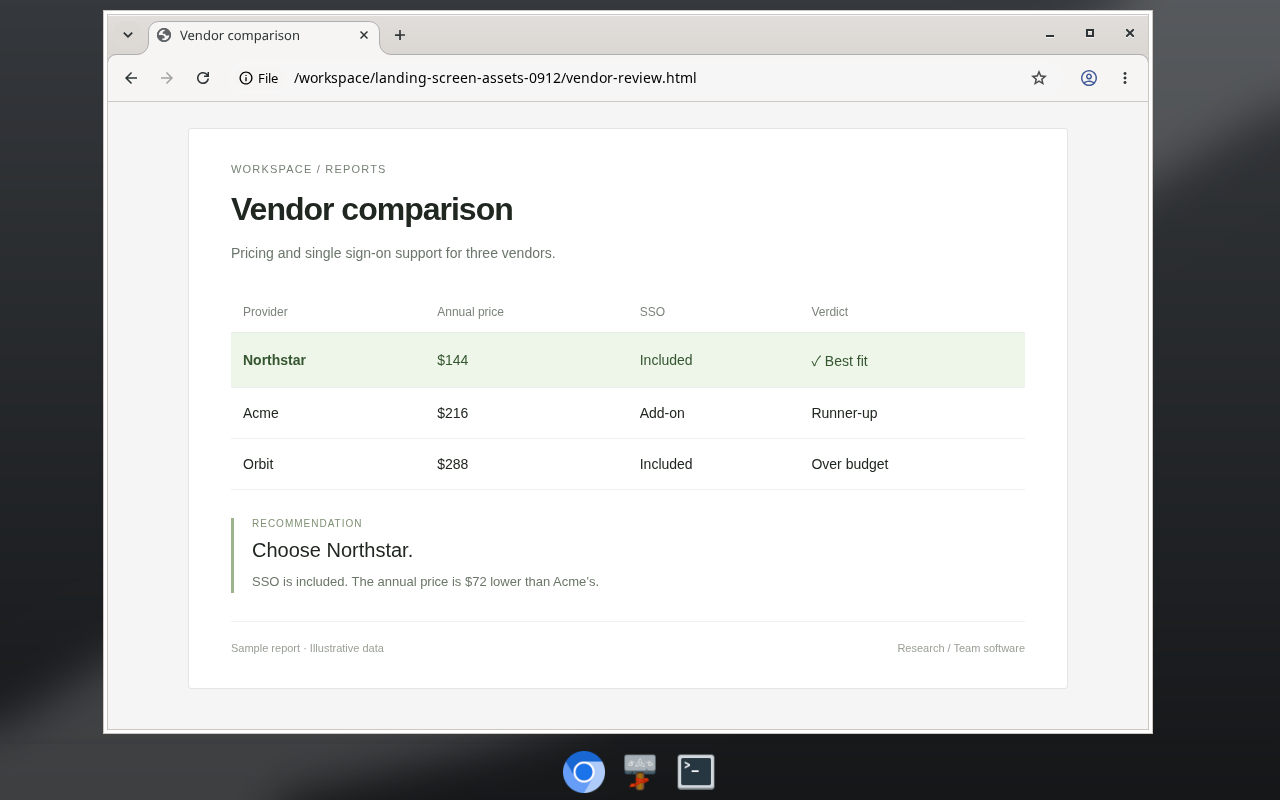
All bots share a /workspace folder that survives restarts, so one bot can pick up another's draft. Website sign-ins are shared too: sign in to a site once on any bot's screen, and every bot is signed in. Memory is editable Markdown, one dated fact per line, about each bot, you and your projects.
Your model provider still sees what each task sends it, including file contents. Self-hosting moves the agent, not the model. If you want your own files involved, the desktop app can enroll your computer so bots can read files and run commands on it (macOS and Linux). Once it's enrolled, there's no per-command prompt.
Claude through an API key, or another model
You choose one model for the whole server in Settings → Server. The options are an Anthropic, OpenAI or OpenRouter API key, or any OpenAI-compatible endpoint, including Ollama, LM Studio and vLLM (docs). Every bot uses that model; you can't give each bot its own.
With an Anthropic key you pay API rates per token. By default, Anthropic doesn't use inputs or outputs from its commercial products, including the API, to train its models (Anthropic). To keep model requests on your own hardware, point OpenTeam at a local server:
openteam provider add local --name "Local models" \
  --base-url http://host.docker.internal:11434/v1 \
  --api openai-completions --no-auth
Bots depend on tool calling, so pick a model that supports it. openteam doctor sends a real request to check the connection.
A team of bots, on a schedule
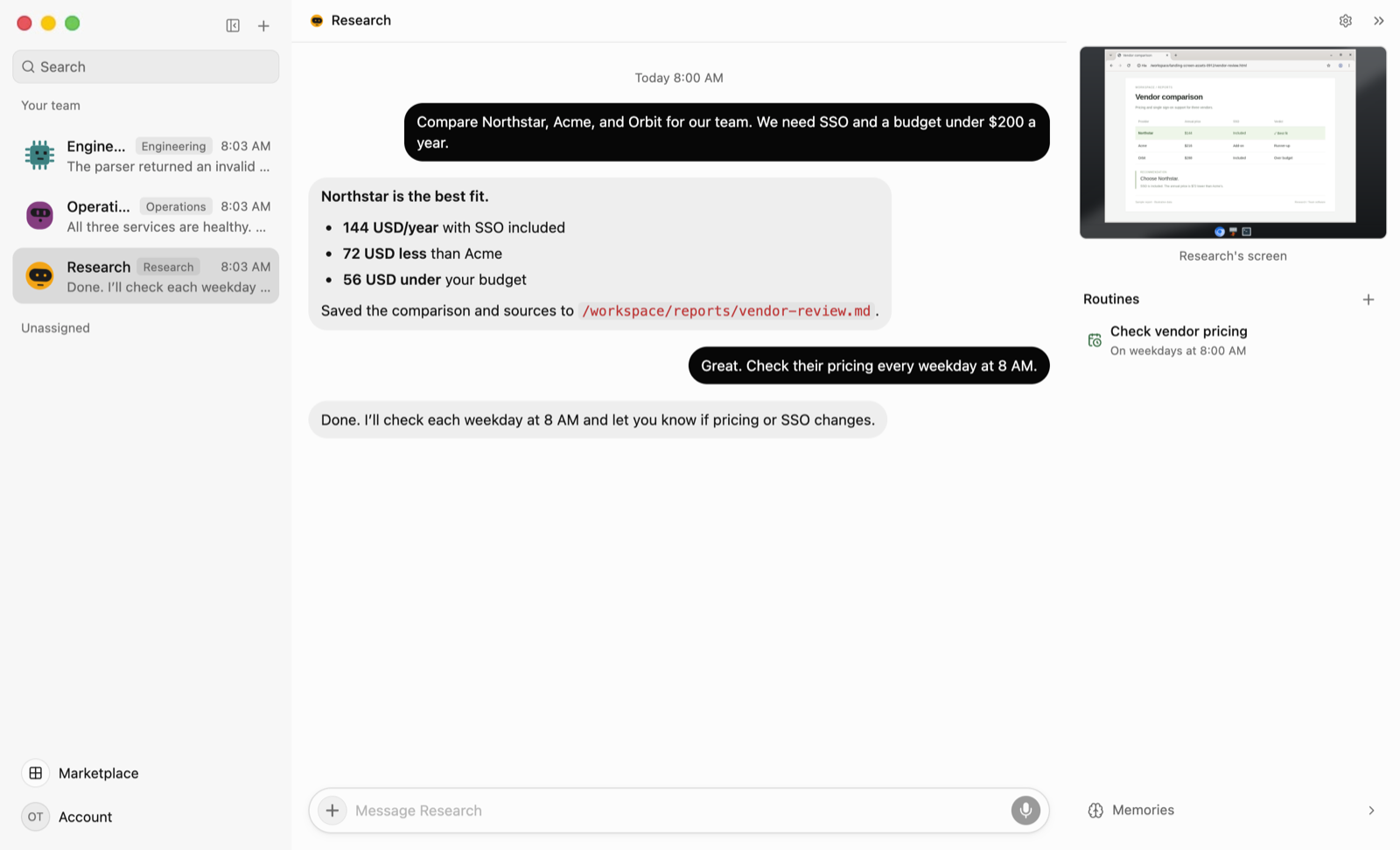
Cowork is one agent that splits work into subagents. OpenTeam gives you several bots with their own roles. A group chat holds up to six bots that take turns, and you can @mention one to address it. Each of your messages caps a group at three rounds and ten bot replies. Bots can also message each other directly, create teammates and hand tasks to subagents.
Routines are saved instructions that run on a schedule (up to eight schedules, at most once every five minutes) or when an event arrives. They run on the server, so the apps can be closed. If that server is a laptop that sleeps, the bots stop until it wakes.
What Claude Cowork does better
- Office-quality output. Cowork produces Excel spreadsheets "with working formulas, PowerPoint presentations, and formatted documents," and you can keep editing them with Claude for Excel and PowerPoint (Anthropic). OpenTeam bots have LibreOffice on their desktops, which is a general-purpose route rather than a tuned pipeline.
- Connectors and plugins. Anthropic runs a connector directory, and its plugins bundle skills, connectors and subagents for a role (Anthropic). Once an admin turns on write tools, the Microsoft 365 connector can send email, manage calendar events and update OneDrive files (release notes). OpenTeam bundles a handful of plugins (Gmail, Google Calendar, Google Drive, GitHub, Linear, Notion, Slack, Granola) plus custom MCP servers.
- Apps everywhere. Cowork runs on macOS, Windows, the web, iOS and Android, and in a Chrome side panel (Anthropic), plus Linux in beta (Anthropic). OpenTeam has no Windows desktop app, no web app and no Android app, and its iPhone app is a TestFlight beta. (The OpenTeam server does run on Windows.)
- Zero setup. With Cowork, you sign in and describe a task. OpenTeam needs Docker, a machine that stays on, a model provider and some comfort with a terminal.
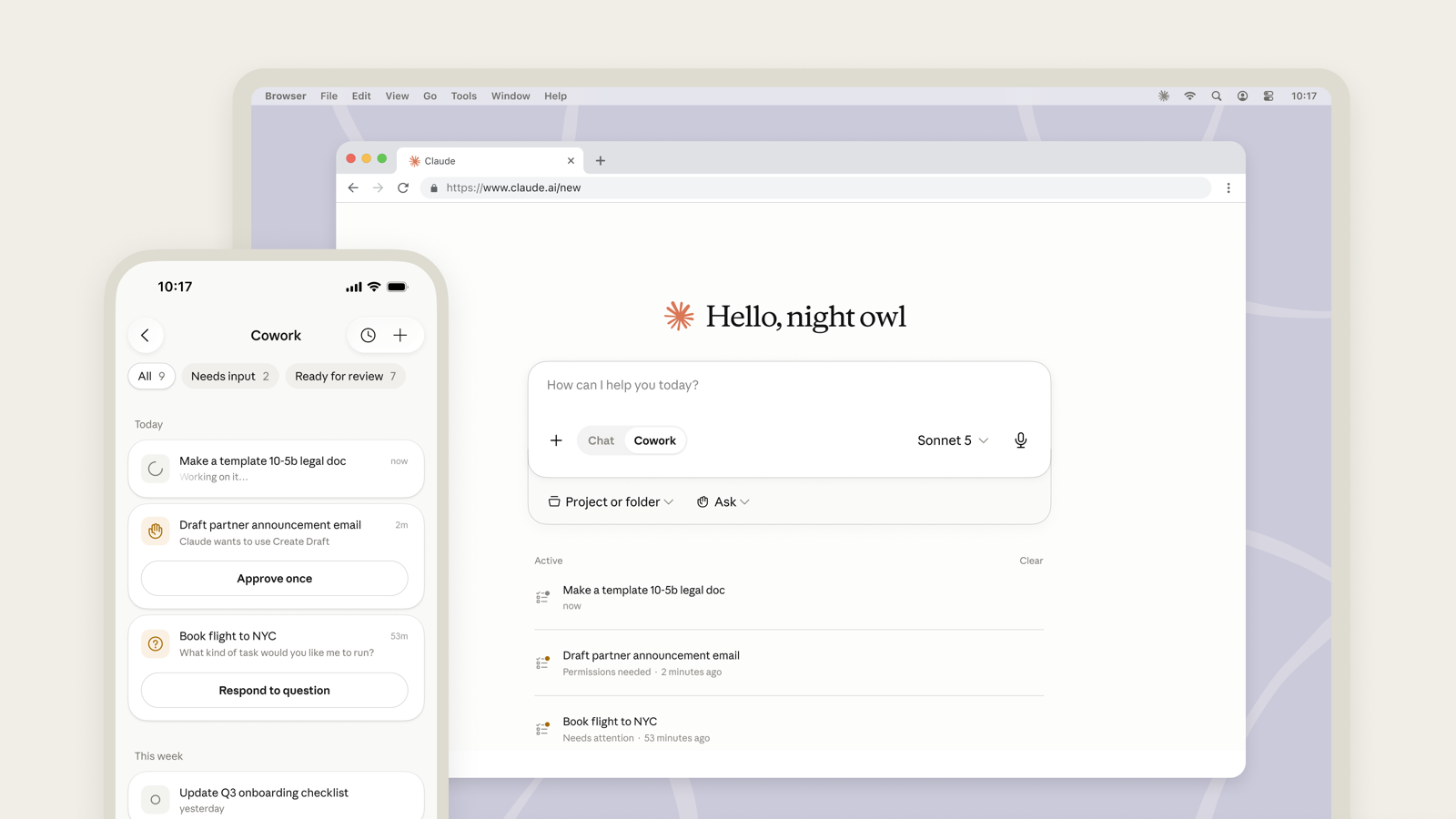
- A managed sandbox and approvals. Anthropic runs per-session sandboxes with enforced egress (Anthropic), and Cowork asks before acting by default (Anthropic). OpenTeam has no approval step. Its guardrails are the isolated container, Gmail creating drafts rather than sending, and handoff cards for CAPTCHAs, 2FA and payments.
- More than one person. Team plans cover 2 to 150 people with admin controls (Anthropic). OpenTeam has one human account per server.
Anthropic's own image of Cowork on the web and a phone shows that approval flow (Anthropic).
If that list describes what you need, stay with Cowork.
Other Claude Cowork alternatives
- Claude Code in the desktop app. Anthropic's own suggestion for tasks that should run only on your computer: it "keeps your folders and history there," and a Cowork task can be exported into it (Anthropic). It's included in the same paid plans and uses Claude models.
- OpenWork. A desktop app for macOS, Windows and Linux, built on OpenCode, that works with many model providers, including local models through Ollama. It's MIT-licensed except for an
ee/directory under a separate enterprise license, and it can import Cowork skills and plugins. - Eigent. An Apache-2.0 desktop app built on CAMEL-AI that runs a coordinator plus worker agents on your own machine. It supports local models through vLLM, Ollama and LM Studio, and also sells a cloud version.
- goose. An Apache-2.0 agent with a desktop app for macOS, Linux and Windows, plus a CLI. It works with 15+ providers, including Ollama, and is part of the Linux Foundation's Agentic AI Foundation.
All three open-source options are built to run on the computer in front of you. OpenTeam is the one built around a server and a separate computer per bot.
Which should you choose?
- Choose Claude Cowork if you want zero setup, Office files, Windows or Android apps, or a team plan, and Anthropic's servers are an acceptable place for the work.
- Choose Claude Code in the desktop app if you want to stay with Anthropic and keep a task on your own computer.
- Choose OpenWork or goose if you want one local agent on your desktop, including on Windows.
- Choose OpenTeam if you want several bots, each with its own persistent computer, on a server you control, with Claude through an API key or a local model.
Frequently asked questions
Is there an open-source Claude Cowork alternative?
Yes. OpenTeam is open source under GPL-3.0, and OpenWork, Eigent and goose are open-source options too. They differ mainly in where the agent runs: OpenTeam on a server with a computer per bot, the others on your own machine.
Is there a free Claude Cowork alternative?
Yes, if you count the software. OpenTeam is free to run; you pay for the machine and your model provider. With a local model, you pay only for hardware, power and any services you connect.
Can a Claude Cowork alternative run a local LLM?
Yes. OpenTeam can use any OpenAI-compatible endpoint, such as Ollama, LM Studio or vLLM, for all of its bots. Pick a model with reliable tool calling, and run openteam doctor to test it.
Is there a Claude Cowork alternative for Linux?
Yes, and Cowork itself has run on Linux since June 30, as a beta for Ubuntu and Debian. OpenTeam's server runs on any 64-bit Linux machine with Docker, and its desktop app ships as an x64 AppImage.
Can I still run Claude Cowork only on my computer?
Not on Pro or Max for new tasks. Anthropic removed that option on October 6, 2026, and points people to Claude Code in the desktop app for local-only work. Team and Enterprise admins can still keep Cowork local.
Can I use Claude models with OpenTeam?
Yes, with an Anthropic API key. Paste it during setup or in Settings → Server, and every bot uses the Claude model you pick, billed at Anthropic's API rates.
Try OpenTeam
Install the server with curl -fsSL https://openteam.so/install | sh on macOS or Linux, or irm https://openteam.so/install.ps1 | iex in Windows PowerShell, then follow the quickstart. Get the desktop app for macOS or Linux from the download page.