Introducing OpenTeam: AI agents that each get their own computer
OpenTeam v0.0.0 is the first release of our open-source, self-hosted Grok Bot alternative. What each bot gets, how it works, and what it can't do yet.
On this page
OpenTeam is an open-source, self-hosted Grok Bot alternative: software that runs a team of AI bots on a machine you own, each working on its own Linux desktop. It's free under GPL-3.0 and runs with Docker on macOS, Linux or Windows. It's also early: one person and one model per server.
Run this on the machine that will host your bots (macOS or Linux):
curl -fsSL https://openteam.so/install | shOn Windows, run irm https://openteam.so/install.ps1 | iex in PowerShell. You need Docker with Compose 2.20 or newer, and we recommend 8 GB of RAM and 8 GB of free disk. Guided setup follows, and the quickstart walks you through it.
Why we built OpenTeam
OpenTeam's goal fits in one line: self-hosted AI agents that keep working on your own hardware. Four design choices follow from it.
Work that outlives the app. Bots run on the server, not in the app you chat from, so they keep going when you close it and resume after a restart.
A computer, not only a list of tools. Plenty of work happens on websites without an API, so each bot gets a persistent desktop and browser that you can watch or take over.
A team, not one assistant. Separate bots hold separate roles and conversations, share files, and message each other. Group chats have hard limits, so a room of bots settles instead of looping.
A machine you own. Conversations, files, memory and website sign-ins stay on your server. You pick the model provider, or run a local model so requests stay on your hardware too.
None of these ideas is new. xAI's Grok Bot, launched on August 11, brought the first three together as a hosted service. OpenTeam follows the same design, and its agent tools, prompt and built-in skills are built for compatibility with Grok Bot's. The difference is the fourth idea: it's open source, and it runs on hardware you control with the model provider you choose.
What each bot gets
A desktop and browser of its own
Every bot has a persistent Linux desktop: XFCE at 1280×800 by default, with Chromium, a file manager and a terminal. One container on your server can run up to 100 of them. Open a bot's screen in the desktop or iPhone app to watch it live, or take control.
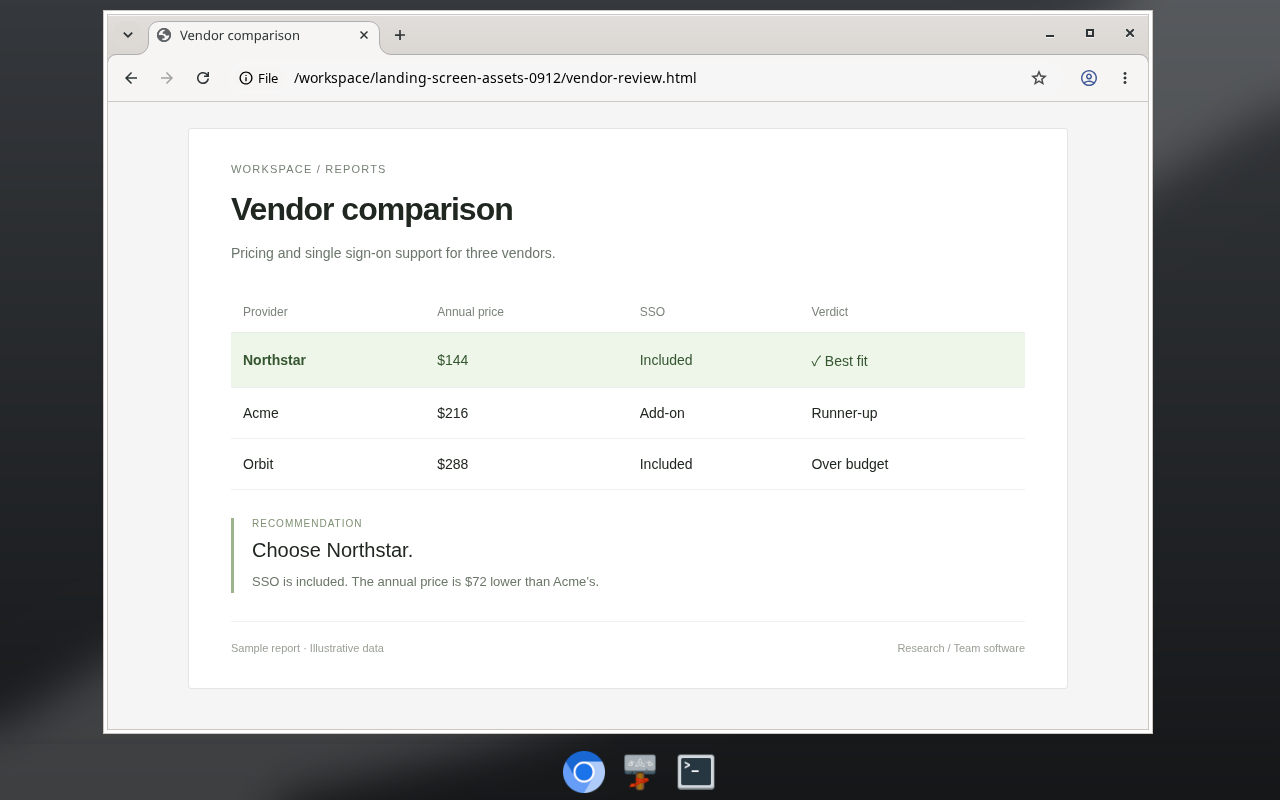
When a site needs a CAPTCHA, a 2FA code or a payment, the bot posts a card asking you to take over, then continues once you hand control back.
Shared files and sign-ins
All bots work in one shared /workspace folder, so one bot can pick up a file another one wrote. Their browsers share website sign-ins too: sign in once on any bot's screen and every bot is signed in.
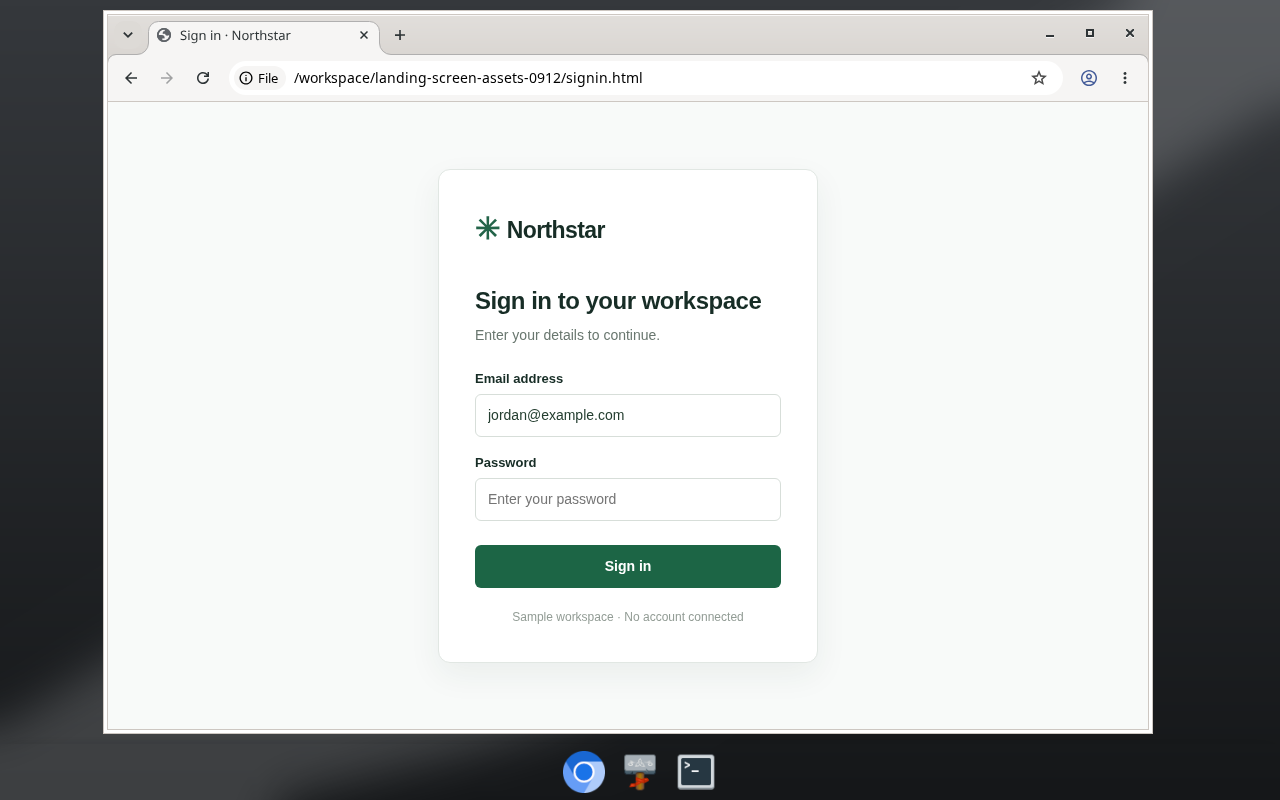
For passwords, a bot can show you a form in the chat instead of asking you to paste anything. OpenTeam fills your answer into the bot's browser, and the model never sees the value.
Memory you can read
Bots keep their conversations across restarts. They also keep memory: short facts about their own role, about you, and about shared projects. It's stored on your server as Markdown, one dated fact per line, so you can read it, grep it and fix it. You can also ask a bot to forget something.
Routines
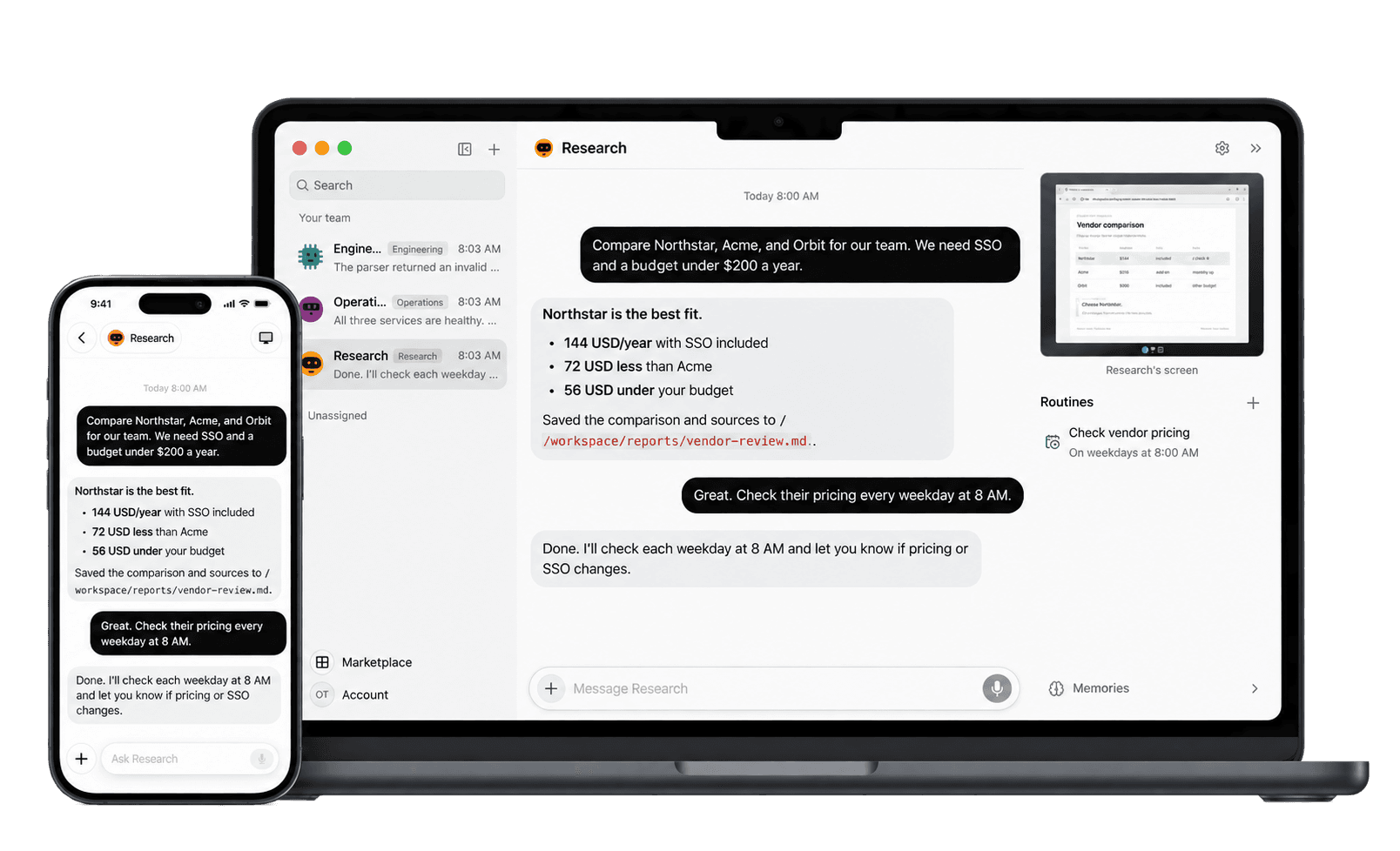
A routine is a saved instruction that runs on a schedule, like the weekday 8 AM pricing check at the top of this post, or when an event arrives. Each routine can have up to eight schedules and runs at most once every five minutes. Routines run on the server, so the app can stay closed.
Teammates
Put up to six bots in a group chat and they take turns in a rotating order; an @mention addresses one bot. Each message you send allows at most three rounds and ten bot messages. Bots can also message each other directly, create new teammates, and hand parts of a task to subagents. Direct messages between bots have no hop limit, so say clearly who should do what.
Plugins and skills
Bundled plugins connect bots to Gmail, Google Calendar, Google Drive, GitHub, Linear, Notion, Slack, Granola and more. You can add your own MCP servers, and save skills: written instructions for work you repeat. Connected accounts are available to every bot.
How it works
OpenTeam runs as four long-running Docker containers on one host, plus a few one-off setup jobs. The apps are clients; the work happens on the server.
 Desktop app (macOS, Linux) · iPhone app
              │  HTTP(S) + live events
              ▼
           server ──────── PostgreSQL    bots, chats, job queue
              │  wake job
              ▼
           worker                        one turn at a time per bot
              │
              ▼
          computer                       one Linux desktop per bot
            ├── /workspace               files every bot shares
            └── agent runtime            calls your model provider
When you send a message, the server stores it in PostgreSQL and queues a wake job for that bot. The worker then claims the bot's turn: one turn at a time per bot, with different bots working in parallel. The computer container runs the model through Pi, an MIT-licensed agent runtime, and executes the bot's tools there: shell commands, files, the browser and plugins.
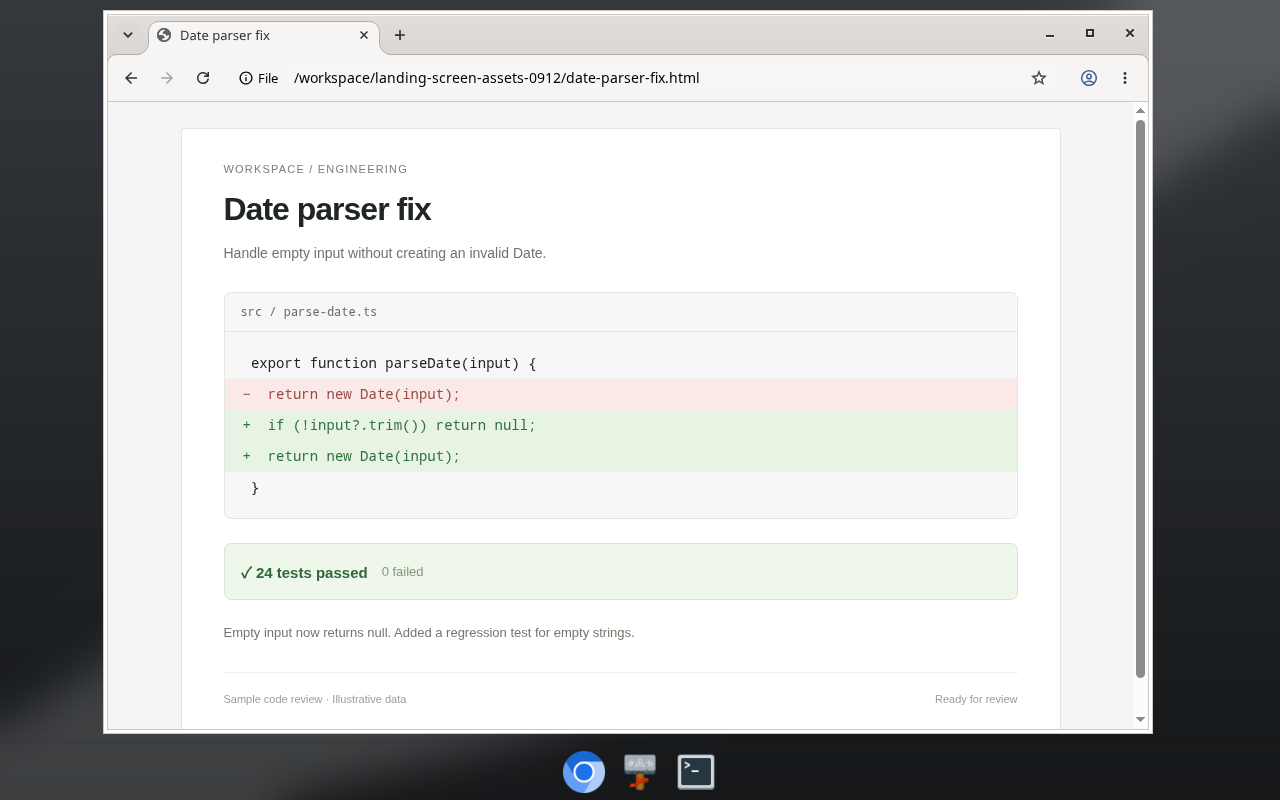
One model serves every bot on the server, chosen in Settings → Server. Connect OpenAI, Anthropic or OpenRouter with an API key, or any OpenAI-compatible endpoint, including local servers such as Ollama, LM Studio and vLLM.
Three commands cover day-to-day operation. openteam status shows the version and the health of each service. openteam doctor checks your setup and sends a real request to your model. openteam update backs up the database first and rolls back if the new version doesn't start. How hosting works explains what needs to stay on.
What OpenTeam doesn't do yet
This is a first release from a young project with a small community. Check these limits before you install:
- One person per server. There's one account, which you can use from all your devices, but you can't add other people and there's no SSO.
- One model for every bot. You can't give bots different models.
- Desktop apps for two platforms. The desktop app is for macOS on Apple silicon and Linux x64. The server runs on Windows and Intel Macs, but there's no desktop app for them.
- iPhone in beta, no Android. The iPhone app is a public TestFlight beta and needs iOS 18. There's no Android app.
- No approval step. Bots browse, run commands and call plugins without asking first. If you connect your own Mac or Linux computer through the desktop app, they run commands there directly too. The guardrails are isolated execution in a container, Gmail drafts that stay unsent, handoff cards, and password forms the model can't read.
- Bots aren't isolated from each other. All desktops share one container (dropped Linux capabilities, read-only filesystem) and one Unix user. Separate screens are a convention, not a security boundary. Every bot can use every installed plugin and connected account; only private skills can be limited to chosen bots.
- It needs a machine that stays on. If the host sleeps, bots and routines stop until it wakes.
- Remote access is your job. The default Private network mode serves the apps on your local network, and bot screen ports 6200–6299 are open there too. To connect from elsewhere, use a VPN such as Tailscale instead of exposing the server without HTTPS. See remote access.
- Full backups are manual.
openteam updatesaves the database, not workspace files, sign-ins or attachments. The backup guide covers the rest.
Open source, GPL-3.0
The code is on GitHub under GPL-3.0, a copyleft license. You can run, study, change and share it. Anyone who distributes a modified version must publish its source under the same terms; running a changed copy for yourself carries no such duty. Bundled third-party parts keep their own licenses.
The v0.0.0 release has five signed command-line builds, a signed Linux AppImage and a notarized macOS installer. OpenTeam is free, with no paid tier and no hosted version. You pay for the machine, your model provider and any services you connect.
What's next
These are gaps the repository already points to. We aren't attaching dates.
- A Windows desktop app. The desktop build has a Windows installer target, but v0.0.0 doesn't include Windows desktop packaging.
- More than one person per server. The FAQ's current answer is that there's no way to add other people yet.
- Memory synthesis. An experimental setting lets bots consolidate what they've learned. It ships turned off.
Try OpenTeam
Install the server with the command at the top of this post, then get the desktop app from the download page or join the iPhone beta. The quickstart goes from install to a bot's first task. If something breaks, open an issue on GitHub.