An OpenClaw alternative where every bot gets its own computer
OpenTeam is a self-hosted OpenClaw alternative: a team of AI agents, each on its own Linux desktop with a browser. Plus what OpenClaw still does better.
On this page
OpenTeam is a self-hosted OpenClaw alternative where every AI agent works on its own Linux desktop and browser inside a container, and the agents work as a team. OpenClaw is the most-starred open-source personal agent, with about 390,000 GitHub stars and 20+ chat channels. If you run your agent from WhatsApp or Telegram, stay with OpenClaw.
We build OpenTeam, so weigh our view accordingly. Every OpenClaw fact below links to its README, docs, security advisories or a news report, and describes the project as of October 13, 2026. We haven't installed or benchmarked OpenClaw for this post. OpenTeam itself is free, open-source (GPL-3.0) software for running self-hosted AI agents anywhere Docker runs.
What OpenClaw is (as of October 2026)
OpenClaw calls itself "an open-source AI assistant that runs on your own computer and meets you in the channels you already use: Discord, iMessage, Slack, Teams, Telegram, WhatsApp, and 20+ more, plus native apps for macOS, iOS, Android, Windows, and Linux" (README). It's MIT-licensed. It installs on Node 24 or later, with Docker and Nix as alternatives.
Peter Steinberger started it in November 2025 as Clawd, widely known as Clawdbot. Anthropic's legal team asked the project to reconsider the name, so it became Moltbot, then OpenClaw at the end of January 2026 (OpenClaw blog). In February, Steinberger joined OpenAI and wrote that OpenClaw would "move to a foundation and stay open and independent" (steipete.me). The README now says the OpenClaw Foundation, "an independent 501(c)(3)", stewards it, with "no paid tier, hosted service, or token".
A long-running Gateway process on your machine owns the chat connections and runs the agents. One Gateway can host many agents, each with its own workspace, model and tool rules (multi-agent docs). For the web, the browser tool drives a separate Chrome profile named openclaw, or attaches to your own signed-in Chrome (browser docs). Phones pair as companion "nodes" that add voice, camera and device access (Android docs).
Three reasons people want an OpenClaw alternative
1. Tools run on your machine unless you turn on the sandbox
The README is direct: "Tools run on the host for the main session unless you configure sandboxing." The Docker sandbox is off by default. OpenClaw's own docs add that it "is not a perfect security boundary, but it materially limits filesystem and process access" (sandboxing docs).
Shell commands don't stop for approval either. Exec security defaults to full on gateway and node hosts, and the ask setting defaults to off (exec approvals). That's a deliberate choice for a personal assistant. The security guide assumes "one trusted boundary per gateway" (security docs). It still means the agent works with your files, your shell and your accounts.
2. A long security record from its first year
OpenClaw grew fast, and its security history grew with it:
- January 31, 2026: an advisory for a one-click remote code execution bug. The Control UI trusted a
gatewayUrlfrom the link and sent the stored gateway token to it. It was rated 8.8 and fixed in 2026.1.29 (GHSA-g8p2-7wf7-98mq). - February 2: Koi Security audited 2,857 skills on ClawHub and found 341 malicious ones, a campaign it named ClawHavoc. 335 of them installed the Atomic Stealer macOS malware (Koi Security; The Hacker News).
- February 7: OpenClaw began scanning every ClawHub skill with VirusTotal, and said plainly that "VirusTotal scanning won't catch everything" (OpenClaw blog).
- February 9: SecurityScorecard counted more than 135,000 OpenClaw instances reachable from the internet. It blamed a default bind to
0.0.0.0(The Register). OpenClaw's security docs now say a regular host install binds to loopback, while container images default to an exposed bind.
By October 13, OpenClaw had published more than 700 security advisories on GitHub, 14 of them rated critical (advisories). A count that high also reflects a very large project that discloses its fixes in public.
3. A spare computer to keep it running
Because OpenClaw works on its host, many people gave it a machine of its own. Early in 2026, Barchart reported a run on M4 Mac minis driven by OpenClaw (Barchart). A Mac also brings iMessage. OpenClaw runs on Linux and in Docker too, so the Mac is a choice, not a requirement.
OpenClaw vs OpenTeam at a glance
OpenClaw facts come from its README and docs as of October 13, 2026. OpenTeam facts come from its v0.0.1 release (October 10, 2026) and docs.
| OpenClaw | OpenTeam | |
|---|---|---|
| Price | Free; no paid tier or hosted service | Free |
| License | MIT | GPL-3.0 |
| Where it runs | Your computer or server: Node 24+, Docker or Nix | Any Docker host: macOS, Windows or Linux, x64 or arm64 |
| Computer per agent | No desktop; tools run on the host unless you enable the Docker sandbox | Yes; a Linux desktop with Chromium and a terminal per bot, inside one container |
| Models | Many providers, local runtimes; a model per agent | OpenAI, Anthropic, OpenRouter or any OpenAI-compatible endpoint, local included; one model for all bots |
| Multi-agent | Many agents per Gateway, agent-to-agent messages, subagents | Group chats of up to 6 bots, bot-to-bot messages, subagents |
| People per install | Several, with roles | One account |
| Approvals | Available; host exec defaults to no prompt | None; bots act directly |
| Channels | WhatsApp, Telegram, iMessage, Slack and 20+ more | OpenTeam apps only |
| Apps | macOS, iOS, Android, Windows, Linux | macOS (Apple silicon), Linux x64; iPhone beta |
| Data location | Your machine | Your machine |
How OpenTeam works differently
OpenTeam runs a team of bots on one server you control. Each bot keeps its conversations and an editable Markdown memory, and the bots share a /workspace folder. For the full tour, read Introducing OpenTeam: AI agents that each get their own computer.
Each bot has its own desktop, away from your host
Each bot gets a persistent Linux desktop (XFCE, 1280×800) with Chromium and a terminal. You can watch its screen live and take over with your own mouse and keyboard. Up to 100 of these desktops run in one Docker container, with most Linux capabilities dropped and a read-only filesystem. The container gets its own storage volumes, not your home folder.
Two caveats. The desktops are separated from your host, not from each other: all bots run as one Unix user. And if you connect your own computer through the desktop app, bots run commands and read files there directly, without asking each time (computer docs).
Bots work as a team
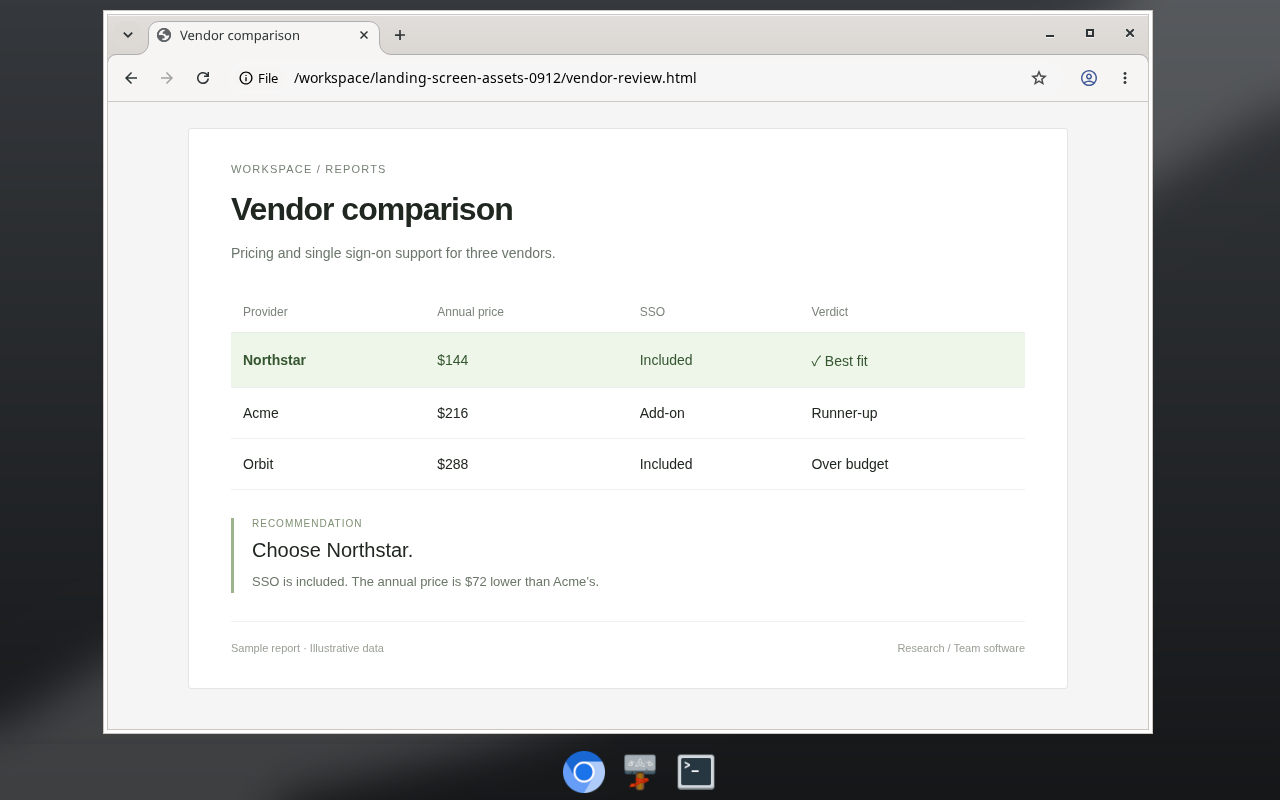
Put up to six bots in a group chat. They take turns, so each builds on the last reply, and an @mention addresses one bot. Each message you send allows at most 3 rounds and 10 bot replies, which keeps a group from running up your model bill. Bots can also message each other directly, create new teammates and hand tasks to subagents. Direct messages between bots have no hop limit, so watch costs on long chains.
OpenClaw coordinates agents too, with agent-to-agent messages, spawned subagents and a coordinator team preset (multi-agent docs). The difference is where the team lives. In OpenTeam, the group chat is the main interface, and each teammate has a screen you can open.
Sign in once, and every bot is signed in
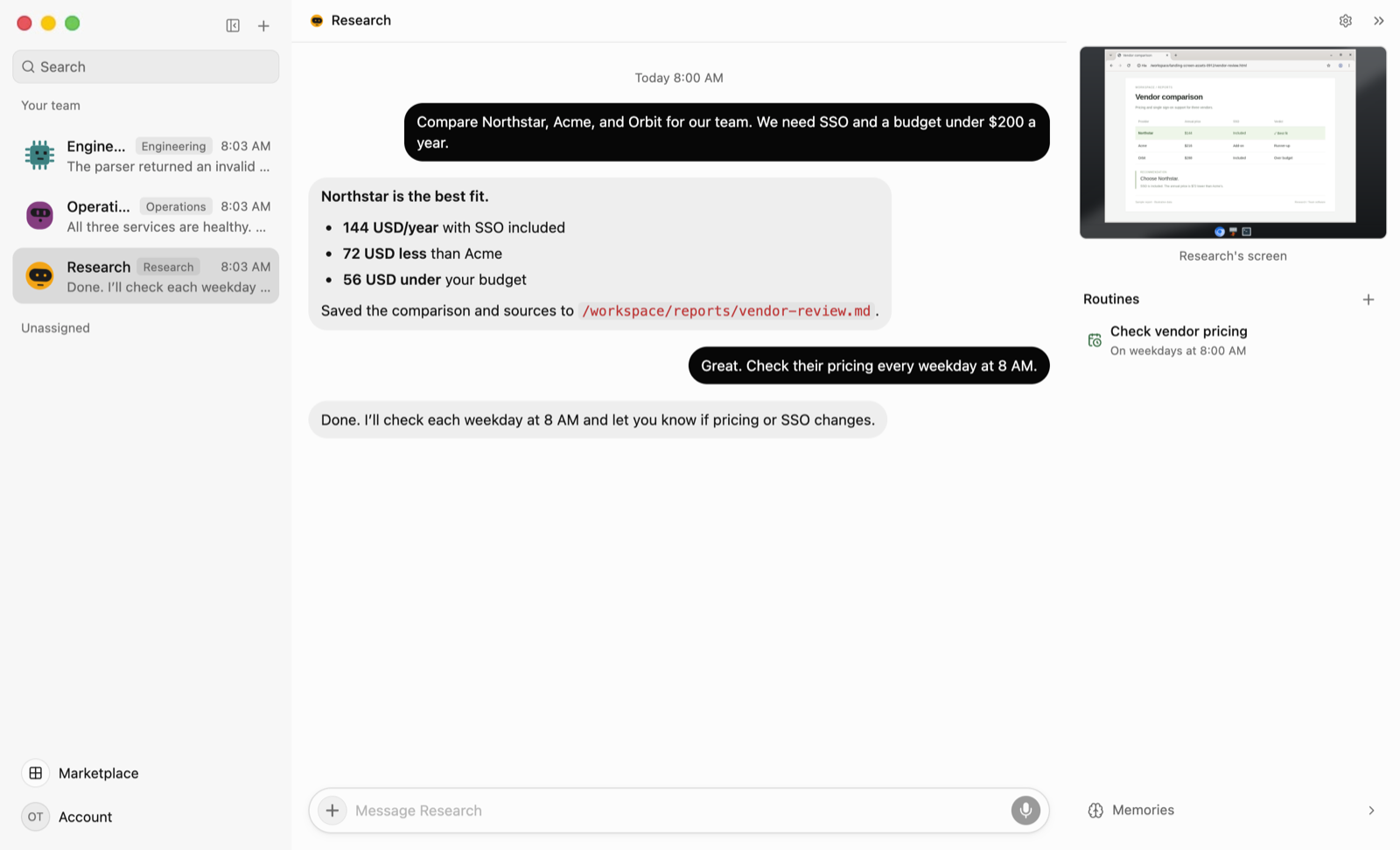
Bots' browsers share website sign-ins. Sign in to a site once on any bot's screen, and every bot can use it. When a site needs a CAPTCHA, a two-factor code or a payment, the bot posts a card asking you to take over. If you'd rather not take over, an in-chat form can type your password into the page without the model seeing it. The Gmail plugin writes drafts and never sends.
The trade-off is plain. Every bot can act on every connected account, because plugins and sign-ins are shared. There are no per-bot grants and no approval prompts before actions.
It runs on a server, so no Mac mini
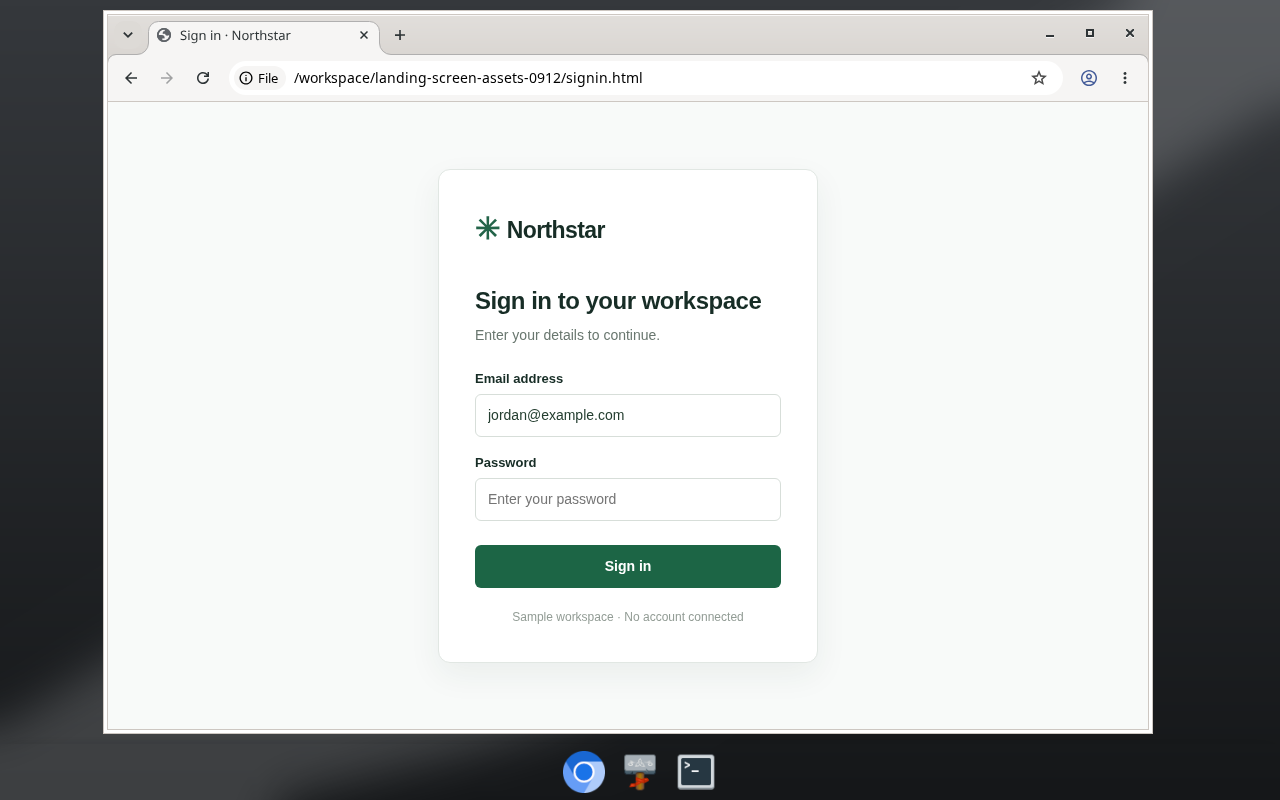
The server runs in Docker on macOS, Windows or Linux, with 8 GB of RAM recommended. A home server or a small cloud VM works, so you don't need a spare Mac. Bots and routines keep working when the apps are closed. If the server is a laptop that sleeps, the bots stop until it wakes. openteam doctor checks your setup with a real model request, and openteam update backs up the database and rolls back a failed update.
What OpenTeam exposes on your network
The default connection mode is Private network. In that mode, the app's port and the bot screen ports 6200–6299 listen on all of the host's network interfaces over plain HTTP. Anyone on your local network can reach the sign-in page. The screens are password-protected but not encrypted (remote access docs).
- If the server and the desktop app run on one computer, choose This machine only.
- For access away from home, put the server and your devices on a VPN such as Tailscale. Don't forward ports from your router.
- Use HTTPS for any address reachable from the internet.
Change the mode with openteam setup --advanced.
What OpenClaw does better
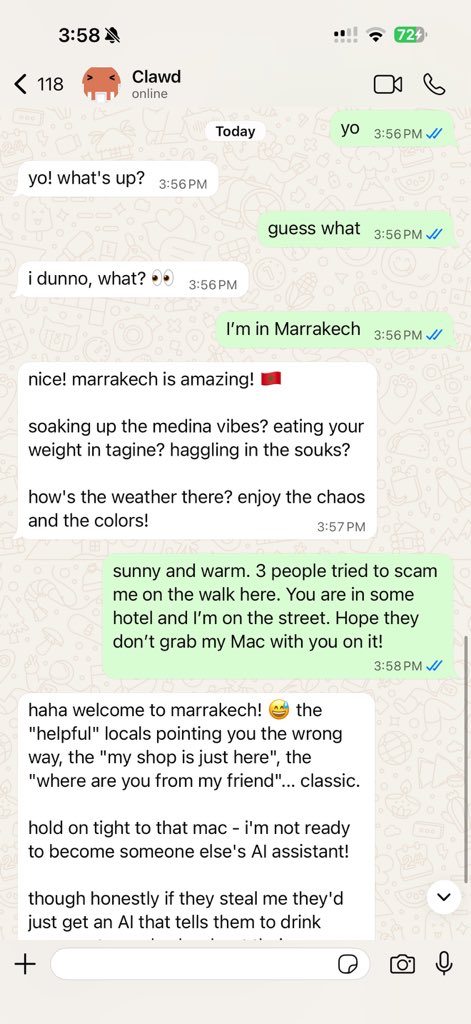
- Chat channels. WhatsApp, Telegram, Signal, Discord, iMessage, Teams and 20+ more (README). OpenTeam has no chat channels; you reach bots through its own apps. Slack is a plugin bots work in, not a way to talk to them.
- A model per agent. Each OpenClaw agent can use its own model, from a long list that includes Ollama, LM Studio, vLLM and llama.cpp (model providers). Every OpenTeam bot uses the one model set for the server.
- Approvals you can switch on. Exec approvals support allowlists and ask-before-running modes, and the sandbox can be set per agent (exec approvals). OpenTeam has no approval step at all.
- People, not only bots. Team deployments give each person a profile, shared sessions and "roles that bound what each person can do" (teams docs). OpenTeam has one account per server.
- Ecosystem and backing. The foundation runs the ClawHub registry of skills and plugins (ClawHub). DigitalOcean (January 30) and AWS Lightsail (March 4) offer ready-made hosting.
- Platforms, license and community. OpenClaw has an Android app on Google Play and a Windows app. OpenTeam has desktop apps for macOS (Apple silicon) and Linux, an iPhone beta, and no Android. MIT is more permissive than GPL-3.0, and about 390,000 stars dwarf a project whose first release was October 6.
If any of those is the job, OpenClaw is the better tool today.
Other self-hosted OpenClaw alternatives
- Hermes Agent (Nous Research, MIT). See our Hermes Agent alternative for how it compares with OpenTeam. An agent with a "built-in learning loop" that creates and improves its own skills. Since v0.21.0 on August 31, its desktop app also runs several bots in group chats. A single gateway covers Telegram, Discord, Slack, WhatsApp and Signal.
hermes claw migrateimports OpenClaw settings, memories and skills. - NanoClaw (MIT). Agents run "in their own Linux containers" on Anthropic's Claude Agent SDK, with channels such as WhatsApp, Telegram and iMessage. Its rule is "Customization = code changes", so expect to edit code, not settings.
- ZeroClaw (MIT or Apache-2.0). A single Rust binary with 30+ channels. Its default autonomy is "supervised": medium-risk actions need approval and high-risk ones are blocked.
- Agent Zero (MIT). One agent with "a full Linux computer", an XFCE desktop in Docker. It's built around one agent that hands work to subordinate agents.
- MausBot (Apache-2.0, except a source-available
enterprise/folder). A chat app where each bot has its own model and computer. Shell commands and edits show Allow and Deny cards.
For a wider field, see the best self-hosted AI agents in 2026. If Grok Bot is the product you're replacing, read our open-source Grok Bot alternative.
Which should you choose?
- Choose OpenClaw if you want your agent in WhatsApp, Telegram or iMessage, need a different model per agent, share it with other people, or want an Android app.
- Choose OpenTeam if you want each agent on its own desktop instead of your host, want to watch and take over its screen, and want several bots working together from one app.
- Choose Hermes Agent if you want agents that improve their own skills, chat-app access, and a direct import of your OpenClaw setup.
- Choose ZeroClaw or MausBot if approval before risky actions matters most.
- Choose a hosted agent if you don't want to run a server. We compare three in Grok Bot vs Meta Muse vs OpenAI dots, plus an open-source alternative.
If you came from Claude's desktop agent rather than OpenClaw, see our Claude Cowork alternative that runs on your own server.
Frequently asked questions
Is OpenClaw safe to run?
It depends on how you configure it. By default, tools run on the host without approval prompts, and the Docker sandbox is opt-in (sandboxing docs). Turning on the sandbox, keeping the Gateway on loopback and vetting ClawHub skills all narrow the risk.
Is there an open-source OpenClaw alternative with multiple agents?
Yes. OpenTeam (GPL-3.0) runs group chats of up to six bots, each with its own desktop. Hermes Agent's desktop app has group chats of bots too, NanoClaw gives each agent its own container, and OpenClaw itself can run several agents per Gateway.
Is OpenTeam free?
Yes. It's open source under GPL-3.0, with no paid tier. You pay for the machine it runs on, your model provider and any services you connect.
Can I use OpenTeam with a local LLM?
Yes. Point it at any OpenAI-compatible endpoint, such as Ollama, LM Studio or vLLM. All bots on a server share that one model (model docs).
Does OpenTeam work with WhatsApp or Telegram?
No. You talk to bots in the OpenTeam desktop apps for macOS and Linux, or the iPhone beta. If chat-app access is essential, OpenClaw, Hermes Agent or NanoClaw fit better.
Can I migrate from OpenClaw to OpenTeam?
Partly. OpenClaw skills are SKILL.md folders (skills docs), and OpenTeam can import a SKILL.md as a private skill (skills). There's no importer for OpenClaw's settings or memory, so tell your bots the facts worth keeping and they'll save them to memory. Hermes Agent is the option with a built-in OpenClaw migration.
Try OpenTeam
Install the server on macOS or Linux with one command, or run irm https://openteam.so/install.ps1 | iex in Windows PowerShell:
curl -fsSL https://openteam.so/install | shGuided setup follows. The quickstart covers the rest, and the desktop apps are on the download page.